12/28/2025
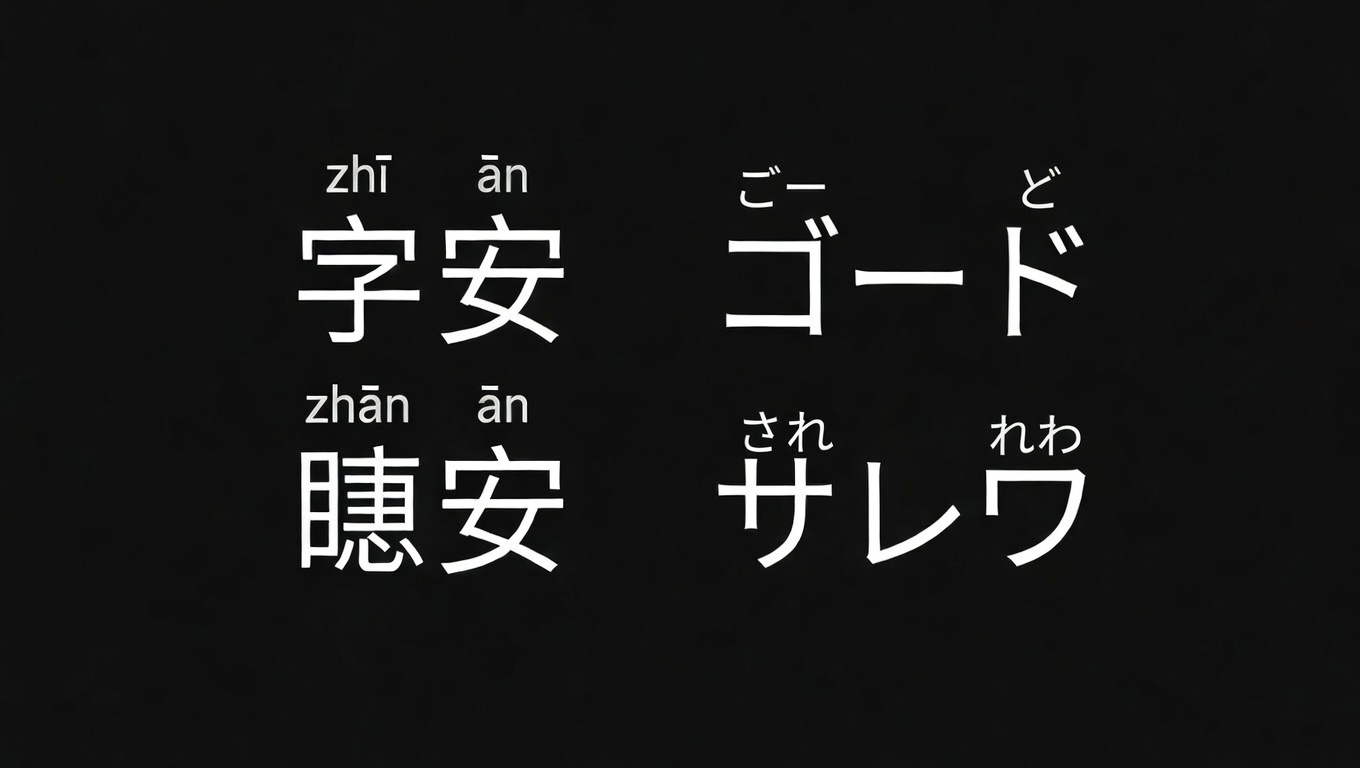
Insert Chinese Pinyin or Japanese Kana using Ruby
Insert Chinese Pinyin or Japanese Kana using Ruby
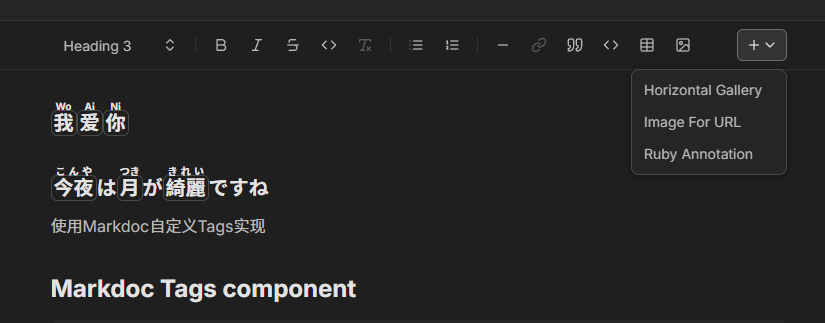
我 爱 你 #
今夜 は 月 が 綺麗 ですね #
{ % ruby text="今夜" rt="こんや" /% }使用Markdoc自定义Tags实现
Markdoc Tags component #
tags: { ruby: { render: component("./src/components/markdoc/Ruby.astro"), attributes: { text: { type: String }, rt: { type: String }, }, inline: true, }, },keystatic.config.ts #
import { ruby } from "./keystatic_components/ruby";... content: fields.markdoc({... components: { networkImage, horizontalGallery, ruby, }, }),keystatic component #
import { fields } from "@keystatic/core";import { inline } from "@keystatic/core/content-components";import { createElement } from "react";
export const ruby = inline({  label: "Ruby Annotation",  schema: {    text: fields.text({ label: "Character/Text", defaultValue: "字" }),    rt: fields.text({ label: "Reading (Pinyin/Furigana)", defaultValue: "zi" }),  },  ContentView: (props) => {    const { text, rt } = props.value;    return createElement(      "ruby",      {        style: {          background: !text && !rt ? "#eee" : "transparent",          padding: "0 2px",        },      },      [        text || (rt ? "" : "[Ruby]"),        createElement("rp", { key: "rp-start" }, "("),        createElement("rt", { key: "rt" }, rt),        createElement("rp", { key: "rp-end" }, ")"),      ]    );  },});